Business applications
Use compatible Windows accounting, reporting and office tools from a remote desktop.

WINDOWS RDP HOSTING IN BANGLADESH
Run your Windows applications on a hosted desktop. Choose the resources you need and connect using a compatible Remote Desktop client.
WINDOWS RDP PLANS
Compare CPU, memory, storage and transfer for each configuration. Select an available billing cycle to see its price.
| Plan | CPU | Memory | Storage | Traffic | Price | Order |
|---|---|---|---|---|---|---|
| Win Enterprise Windows RDP | 6 vCPU | 8 GB | 100 GB NVMe SSD | 10 TB BDIX |
BDT 1,450.00
/month · billed monthly
BDT 14,790.00
/year · billed yearly
|
No plans match this view. Talk to our team →
YOUR REMOTE WORKSPACE
Use compatible Windows accounting, reporting and office tools from a remote desktop.
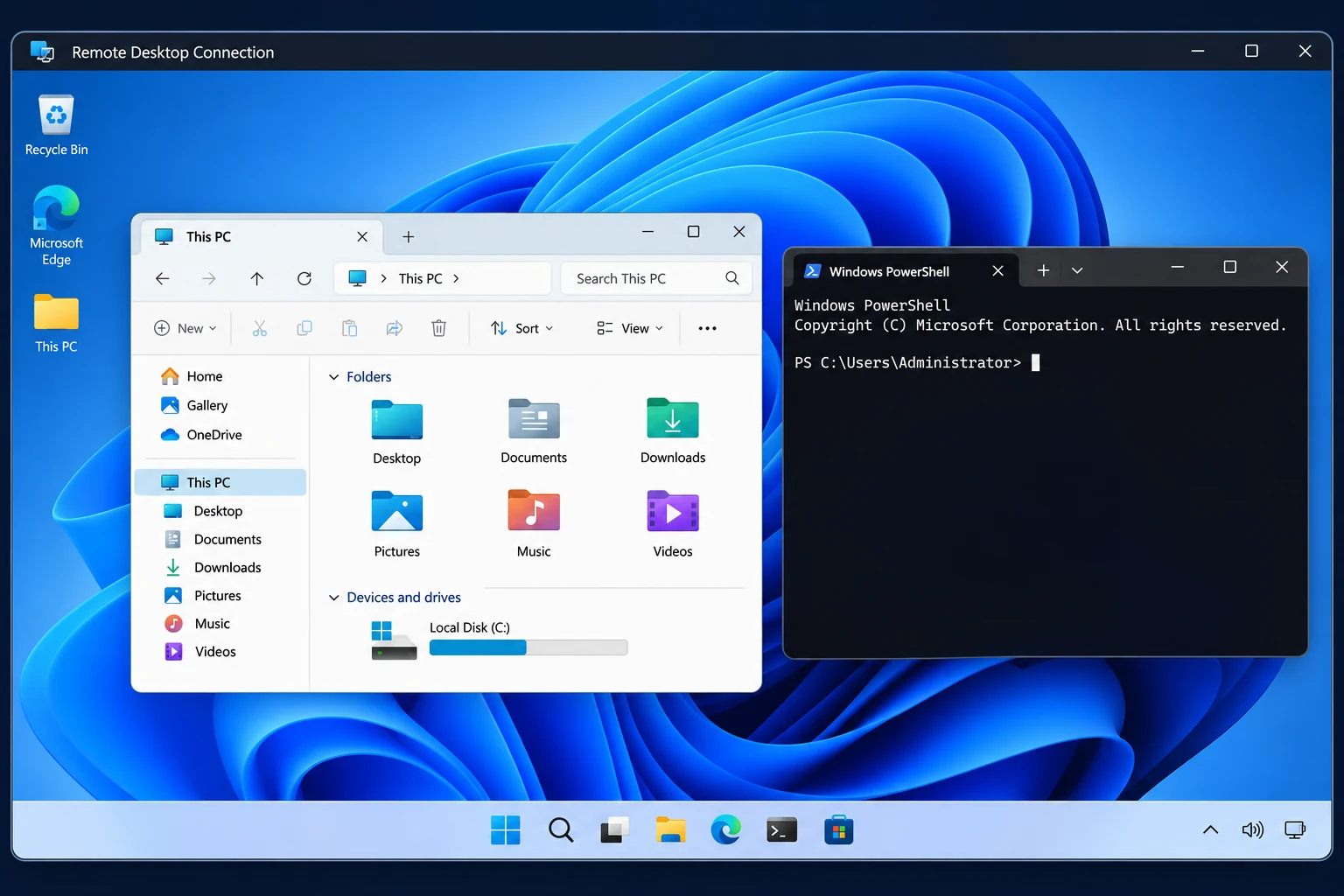
Work with PowerShell, test Windows software and keep a separate environment for your projects.
Connect from a supported laptop, tablet or phone using an RDP client.
CONNECTION GUIDE
Match CPU, RAM and storage to the applications you plan to run. Confirm the Windows edition and licensing terms before ordering.
Once setup is complete, use the host address and sign-in details provided for your service.
On Windows, open Remote Desktop Connection with mstsc. Enter the host address, then sign in with your assigned account.
Yes, use a compatible RDP client for your device. Check that it supports the connection settings provided with your service.
Confirm the Windows edition, license terms and number of users with our team before ordering. Applications may require their own licenses.
You can reconnect using the same host and account. Whether applications stay open depends on the server session policy and whether the server restarted.
Contact support to check available upgrades and whether a change requires a restart or migration.
WINDOWS REMOTE DESKTOP